

Super Intelligence Revenue Operating System · Find It. Qualify It. Close It.
From verified prospect to closed deal, in one accountable workflow.
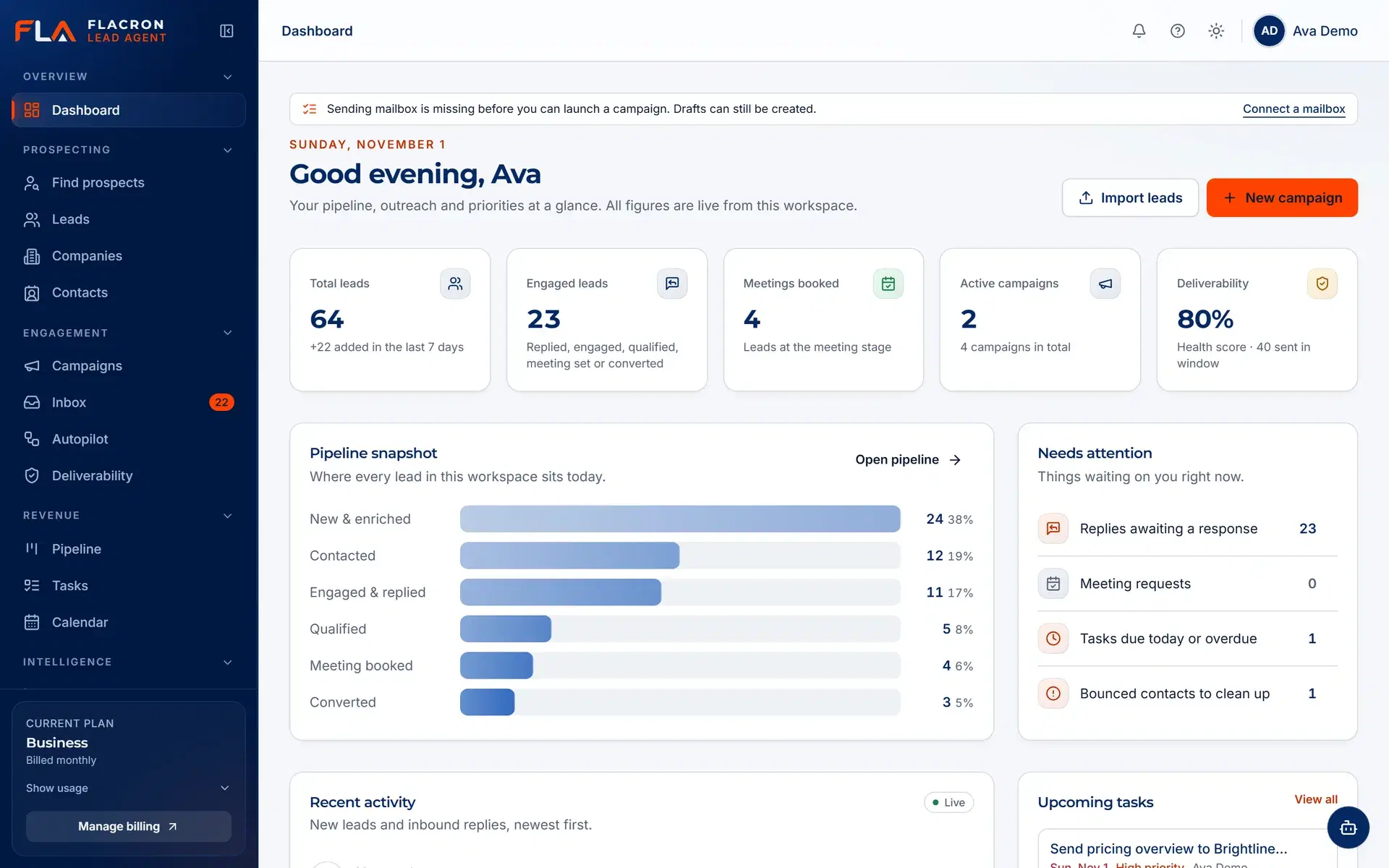
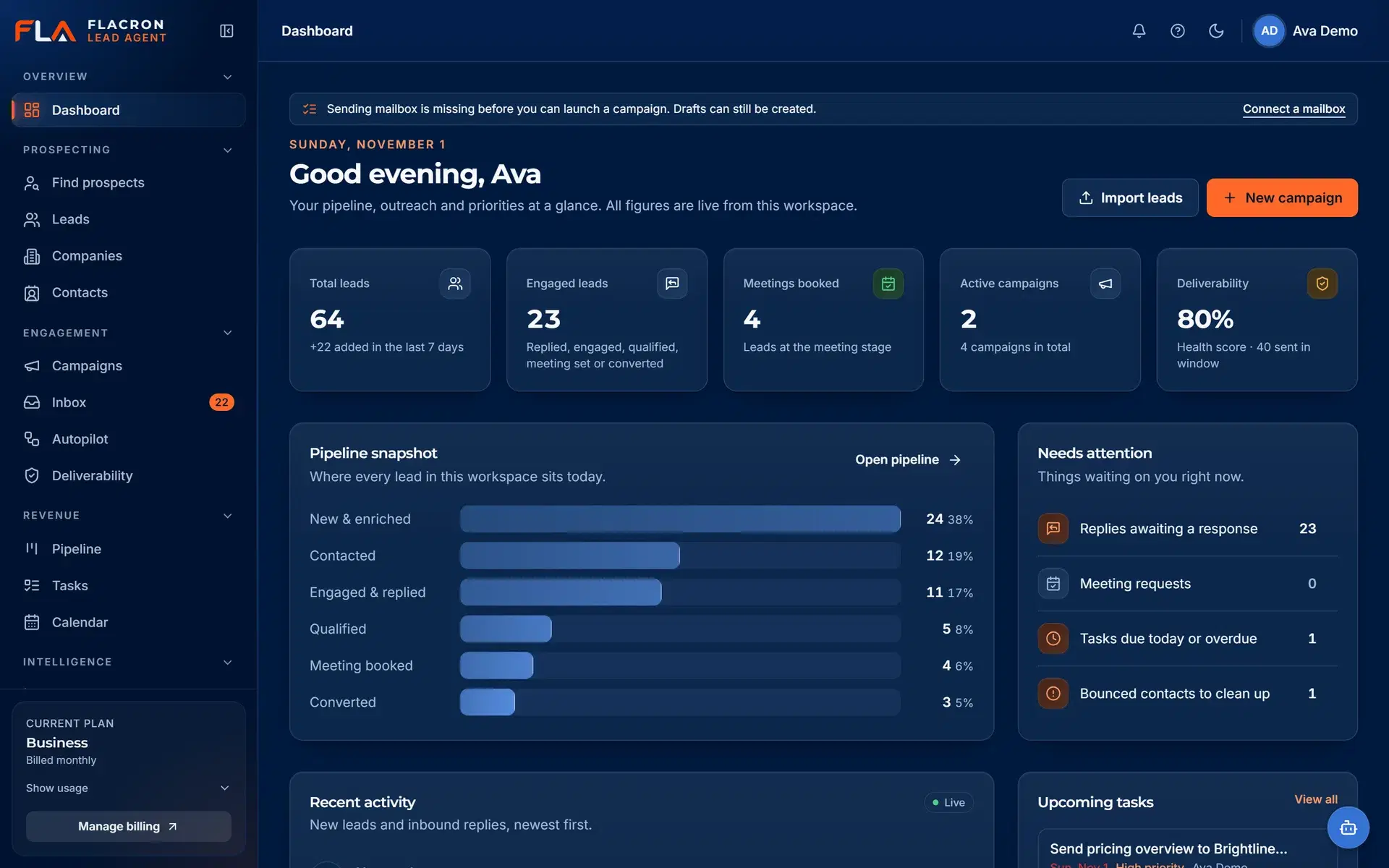
Flacron Lead Agent finds B2B prospects with clear source provenance, drafts personalized outreach that your team approves before it sends, and keeps every reply and deal in one inbox and one pipeline.
- Human approval before every send
- Unsubscribes and suppressions enforced
- Workspace-wide emergency stop
The problem
Revenue work is split across tools that do not talk to each other
Sourcing, outreach, replies and pipeline usually live in four places. Context is lost at every hand-off, and nobody can say with confidence what was sent or why.
Sourcing in spreadsheets
Lists come from many places, with no record of where a contact came from or whether the address is valid.
Outreach in another tool
Sequencers send on autopilot, so it is hard to know what went out, to whom, and who approved it.
Replies scattered across inboxes
Responses land in several mailboxes, and interested prospects wait while someone works out who owns them.
Pipeline that drifts out of date
Deals are re-typed into a CRM by hand, so the pipeline rarely reflects the conversations that are actually happening.
Flacron Lead Agent replaces the hand-offs with one system of record — from the first lookup to the closed deal — with people approving the steps that matter.
How it works
Discover → Verify → Personalize → Engage → Qualify → Schedule → Close
Seven steps, one workspace. Select a step to see what happens and where your team stays in control.
Step 1 of 7 · Discover
Discover prospects that match your ideal customer profile
Describe who you sell to, then pull candidates from the sources you connect: CSV imports and Hunter.io domain search.
- Define industries, roles, company size and geography once per ICP.
- Every record keeps its source and the date it was added.
- Duplicate contacts are flagged during discovery so lists stay clean.
You choose the sources. Nothing is scraped behind your back.
Capabilities
Everything between a target account and a signed deal
Each part works on its own, and together they share one record of every contact, message and decision.
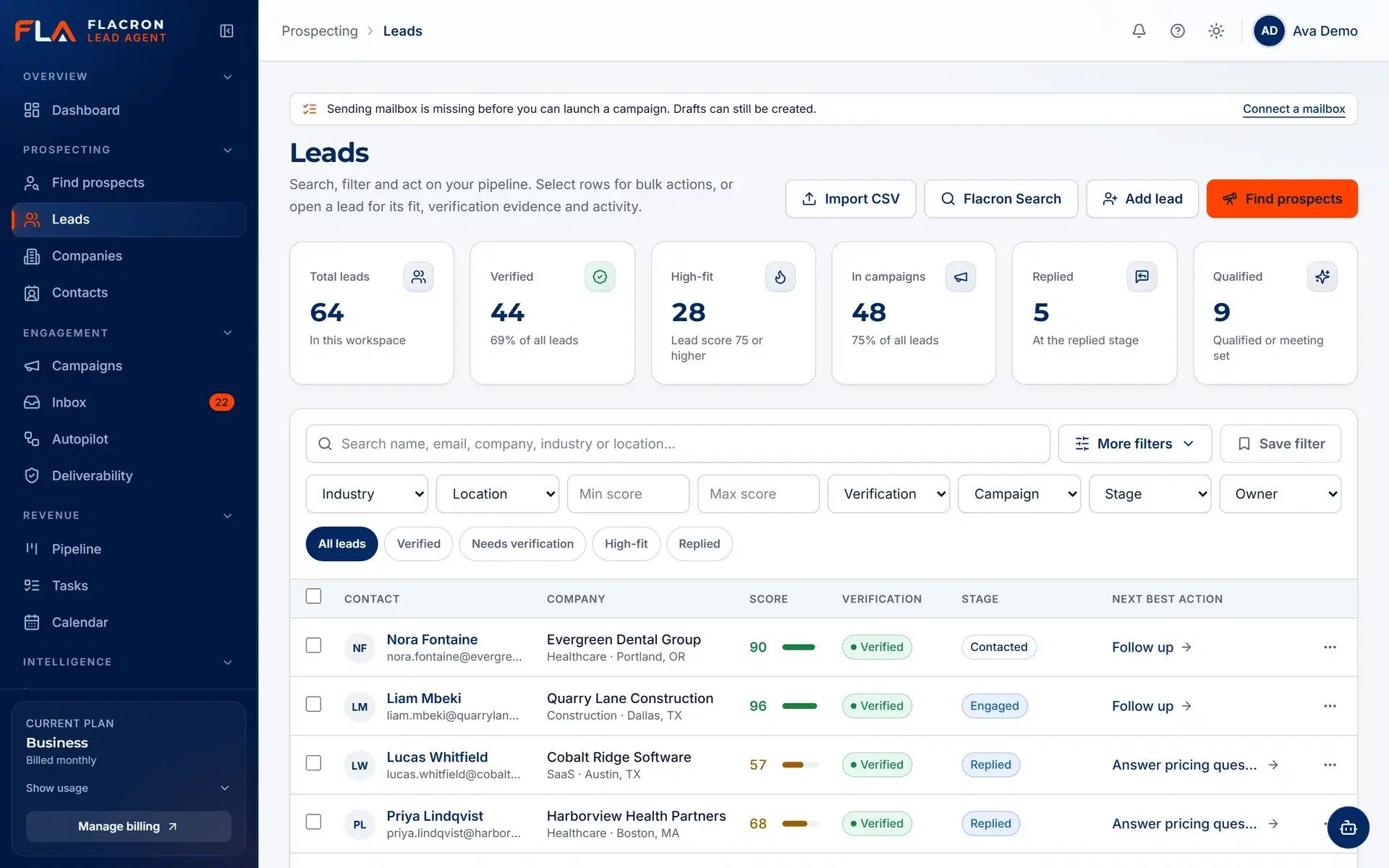
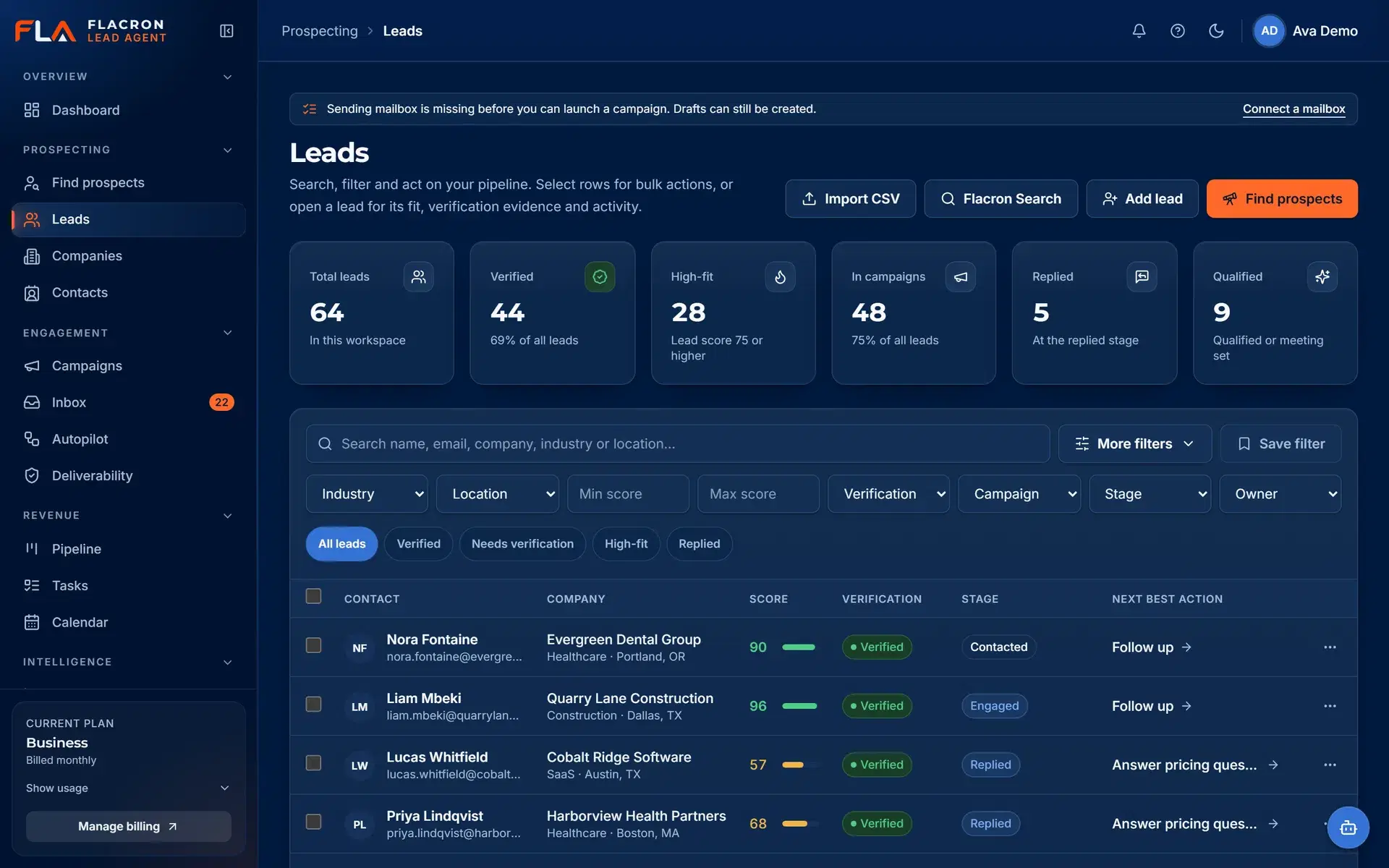
Verified lead sourcing
Know where every contact came from — and whether it is safe to email
Import your own lists or discover contacts by company domain through Hunter.io. Every record keeps its source, and verification status decides whether it can be sent to.
- Source provenance on every contact: CSV import or Hunter.io discovery.
- Verification status (verified, risky, catch-all, invalid) visible in the list.
- Unverified, invalid and suppressed contacts are held back from sending by default.
ICP and campaign builder
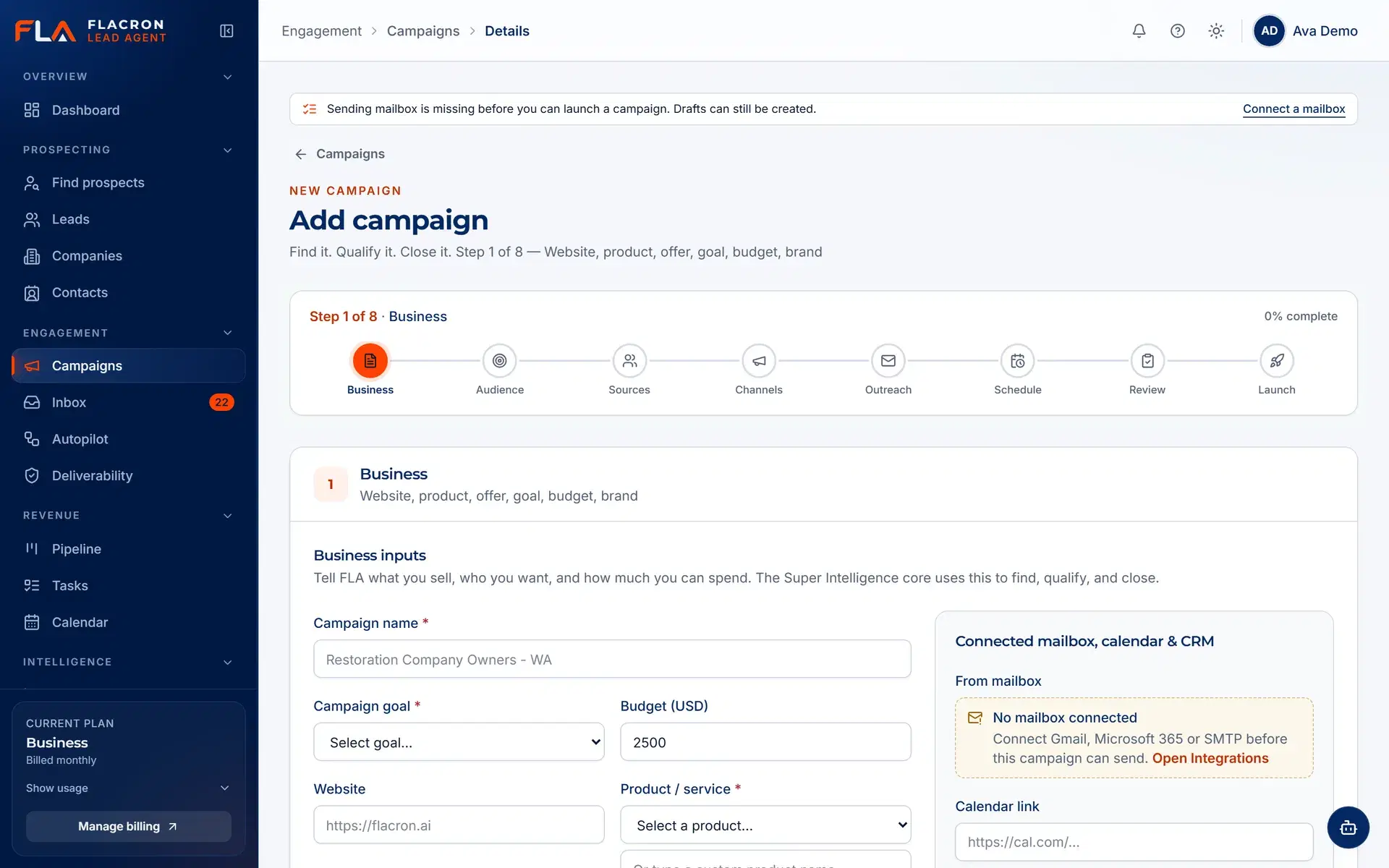
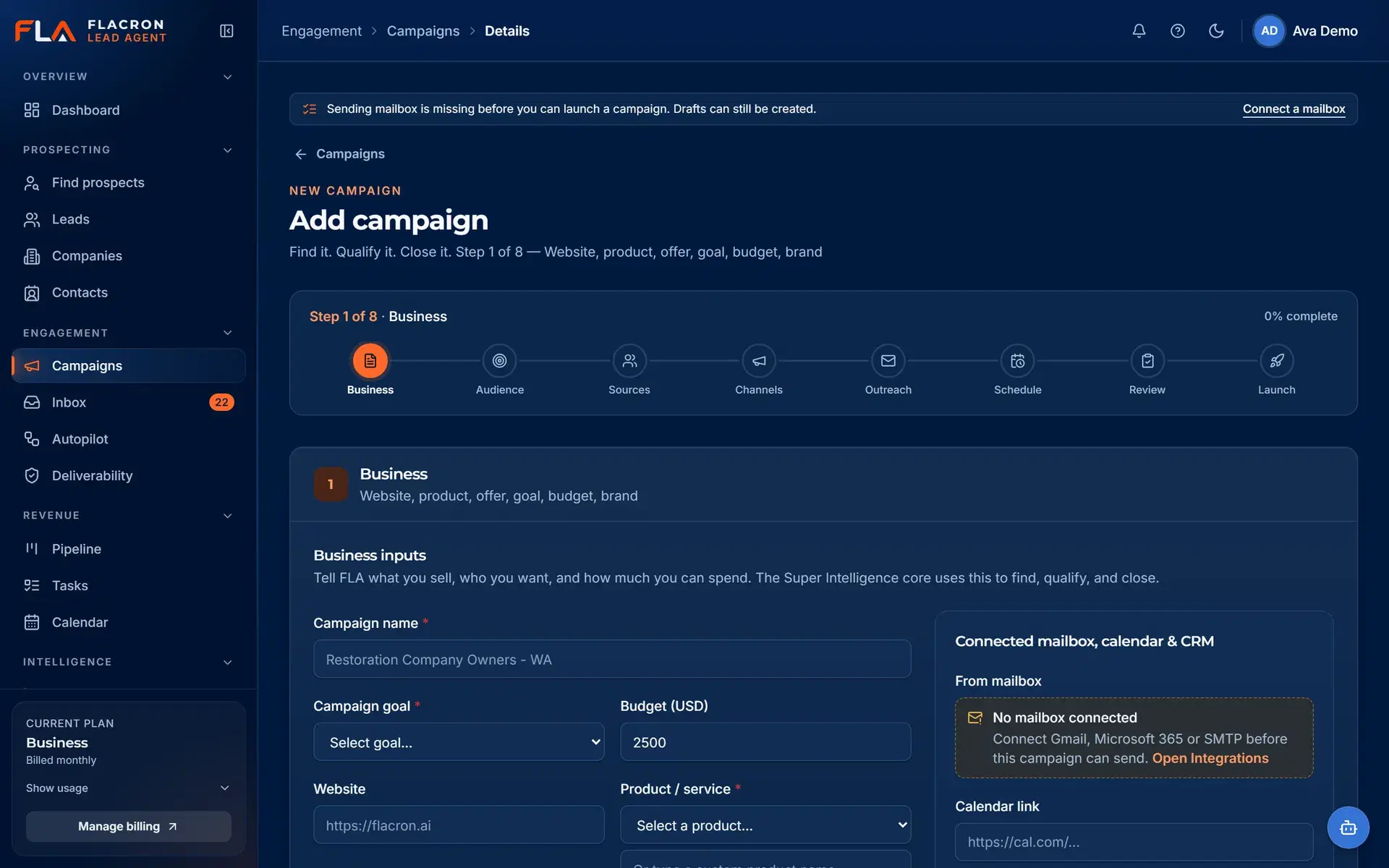
Build campaigns from your ideal customer profile, with approval before send
Describe the audience, offer and tone once. Super Intelligence drafts personalized messages for each contact, and every draft waits in an approval queue until a person signs off.
- Reusable ideal customer profiles for industries, roles, size and region.
- Super Intelligence drafts are editable suggestions — approve, edit or reject each one.
- Nothing is sent from an unapproved draft.
Sequencing and unified inbox
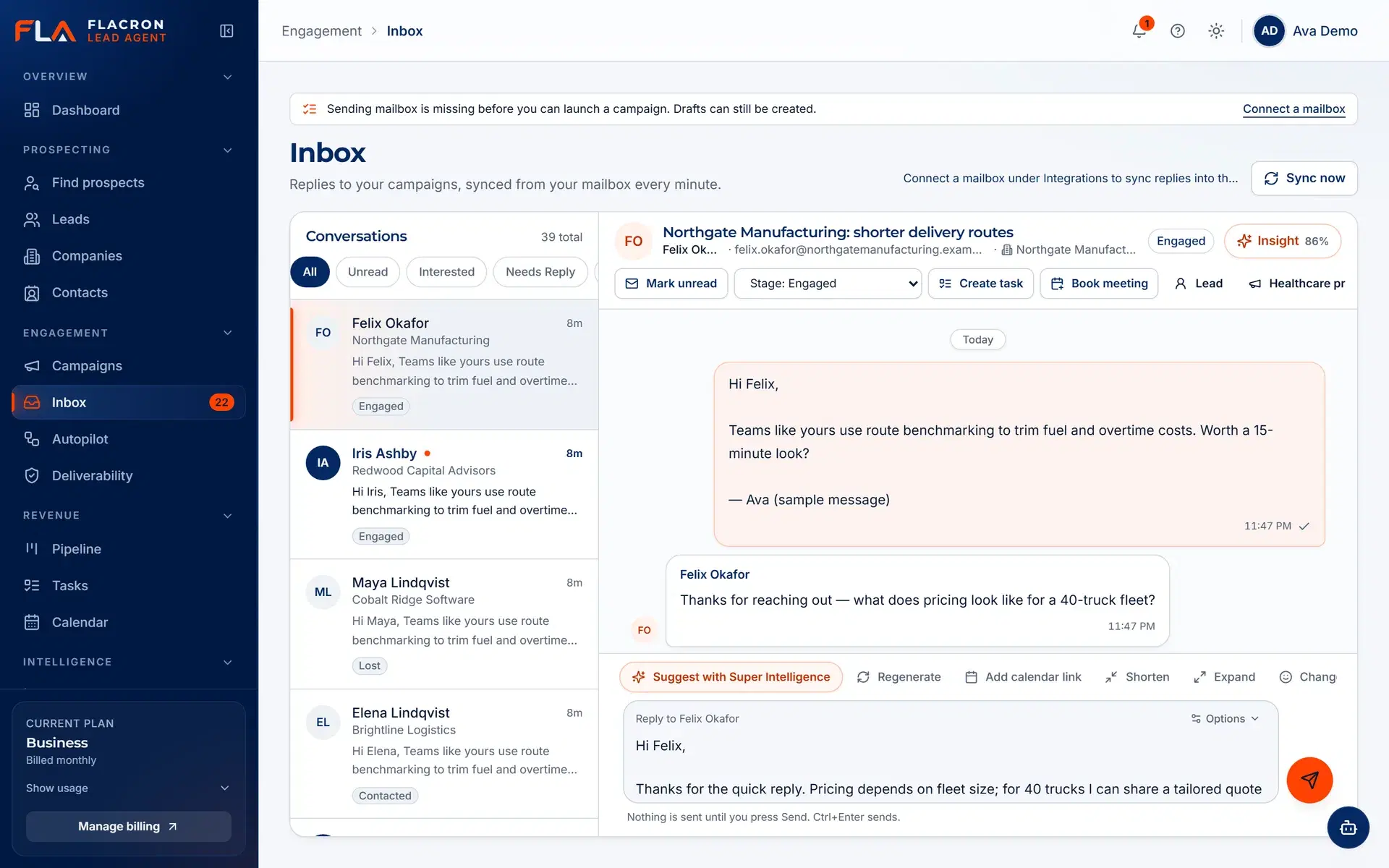
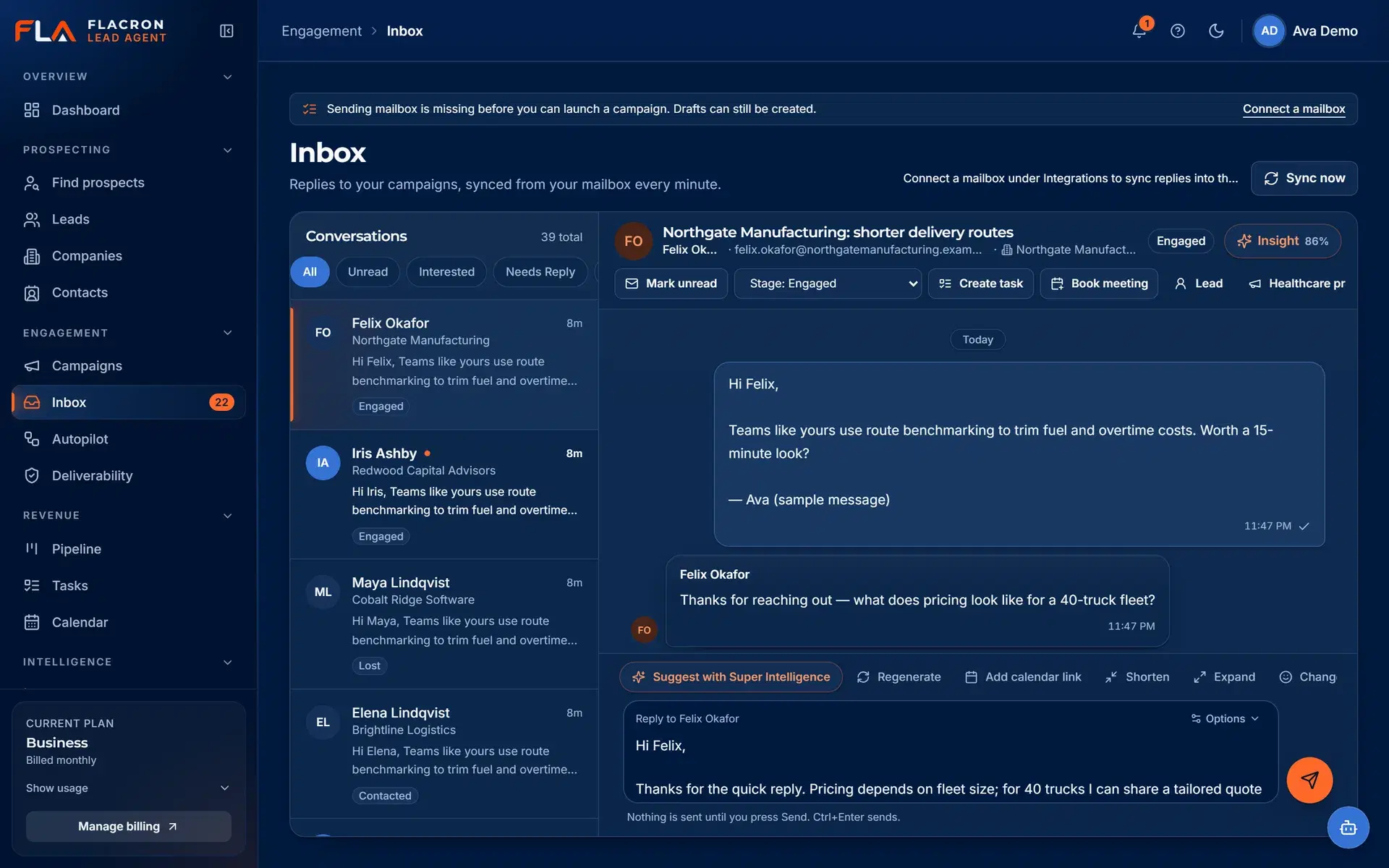
Multi-step sequences, with every reply in one inbox
Approved sequences send from your own connected mailboxes within the limits you set. Replies from Gmail, Microsoft 365 and SMTP/IMAP mailboxes arrive in one inbox with a suggested intent.
- Sequences stop for a contact when they reply or unsubscribe.
- Daily sending limits and sending windows per mailbox.
- Suggested intent and suggested replies stay drafts until a person acts.
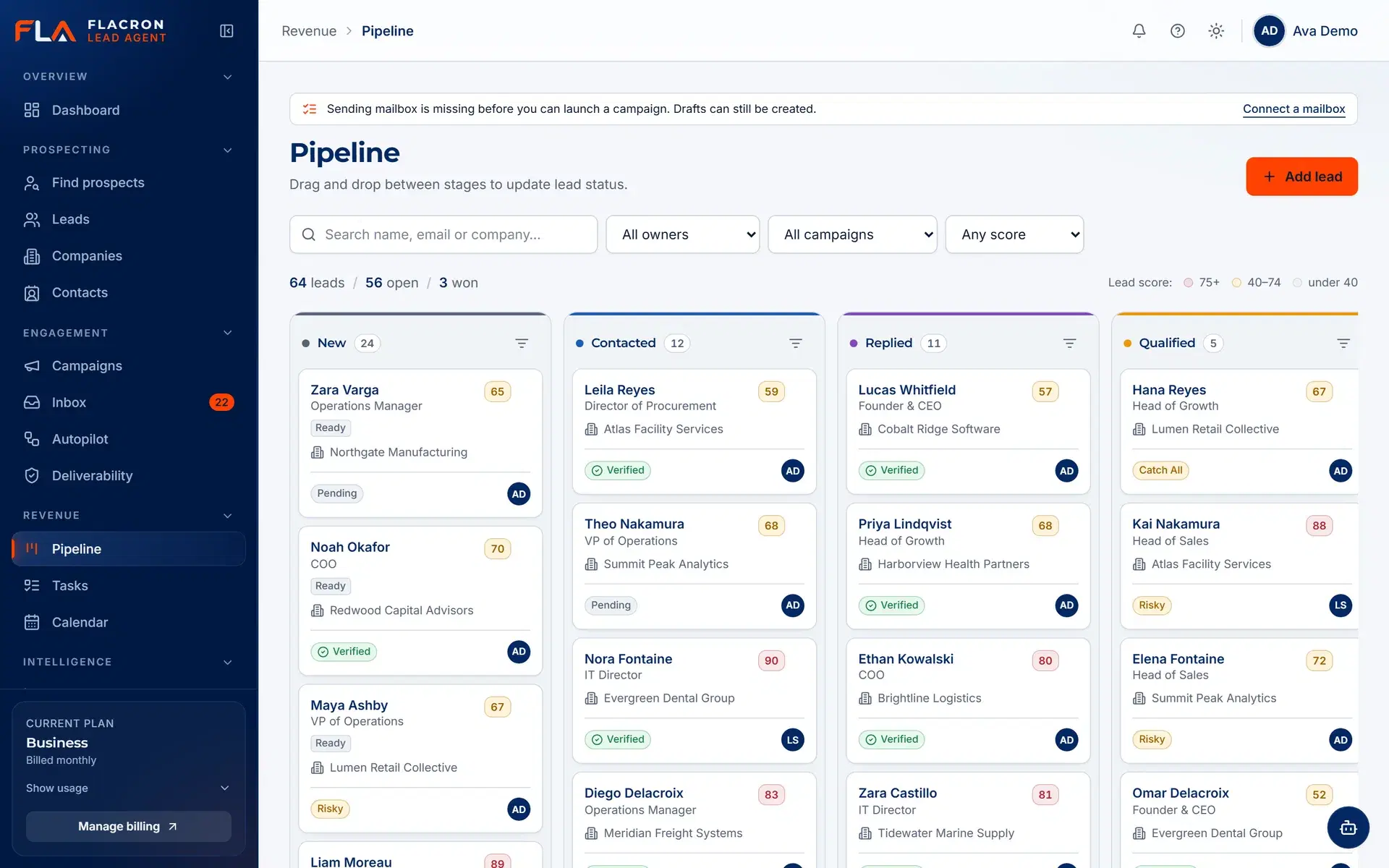
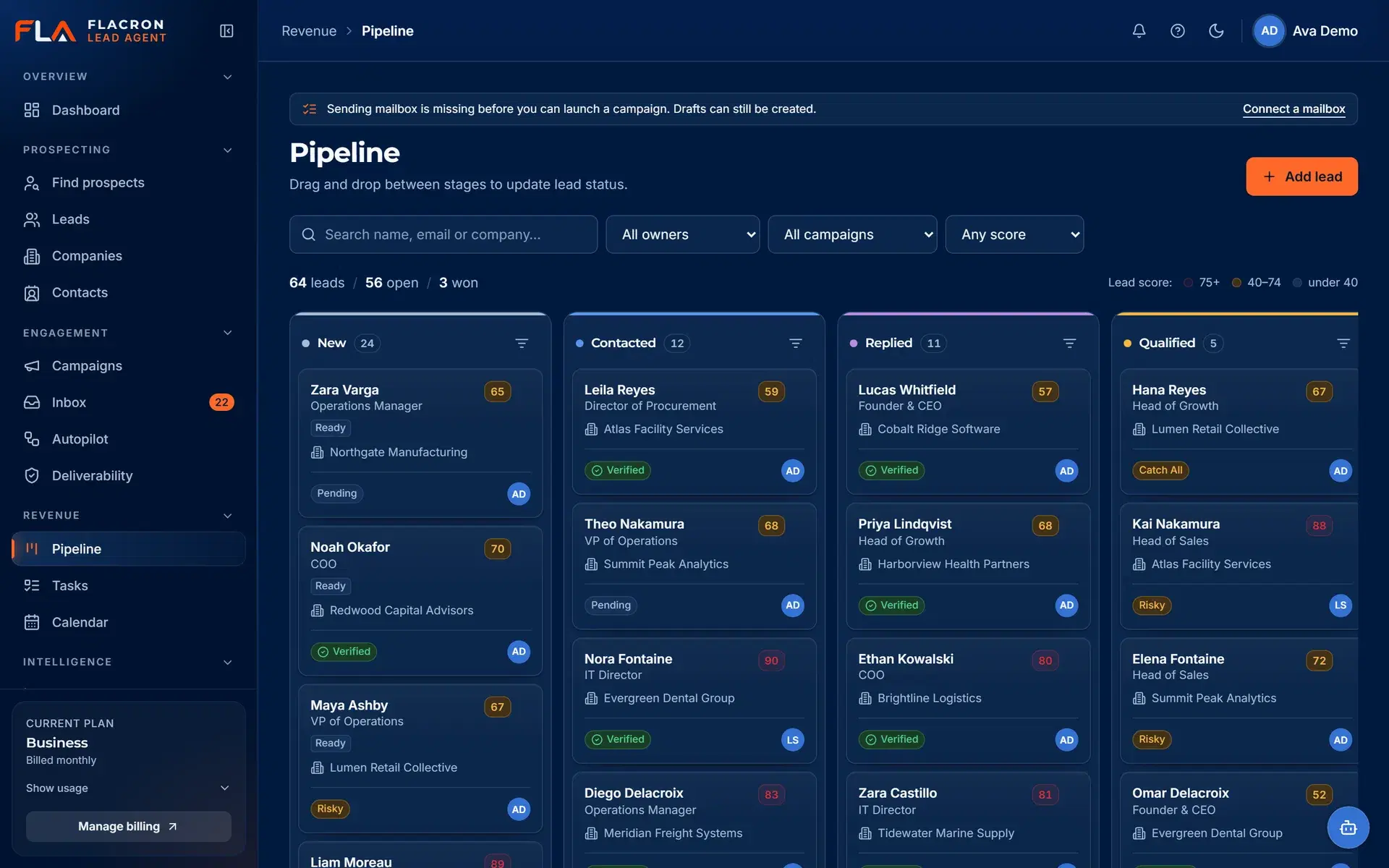
Pipeline
Turn qualified conversations into a pipeline you can trust
Move interested contacts into deals with stages that match your sales process, and keep the originating campaign and source attached to each one.
- Drag-and-drop deals between stages.
- Tasks and follow-ups linked to the conversation.
- CRM sync with HubSpot, Salesforce and Pipedrive is planned.
Always-on cloud workers
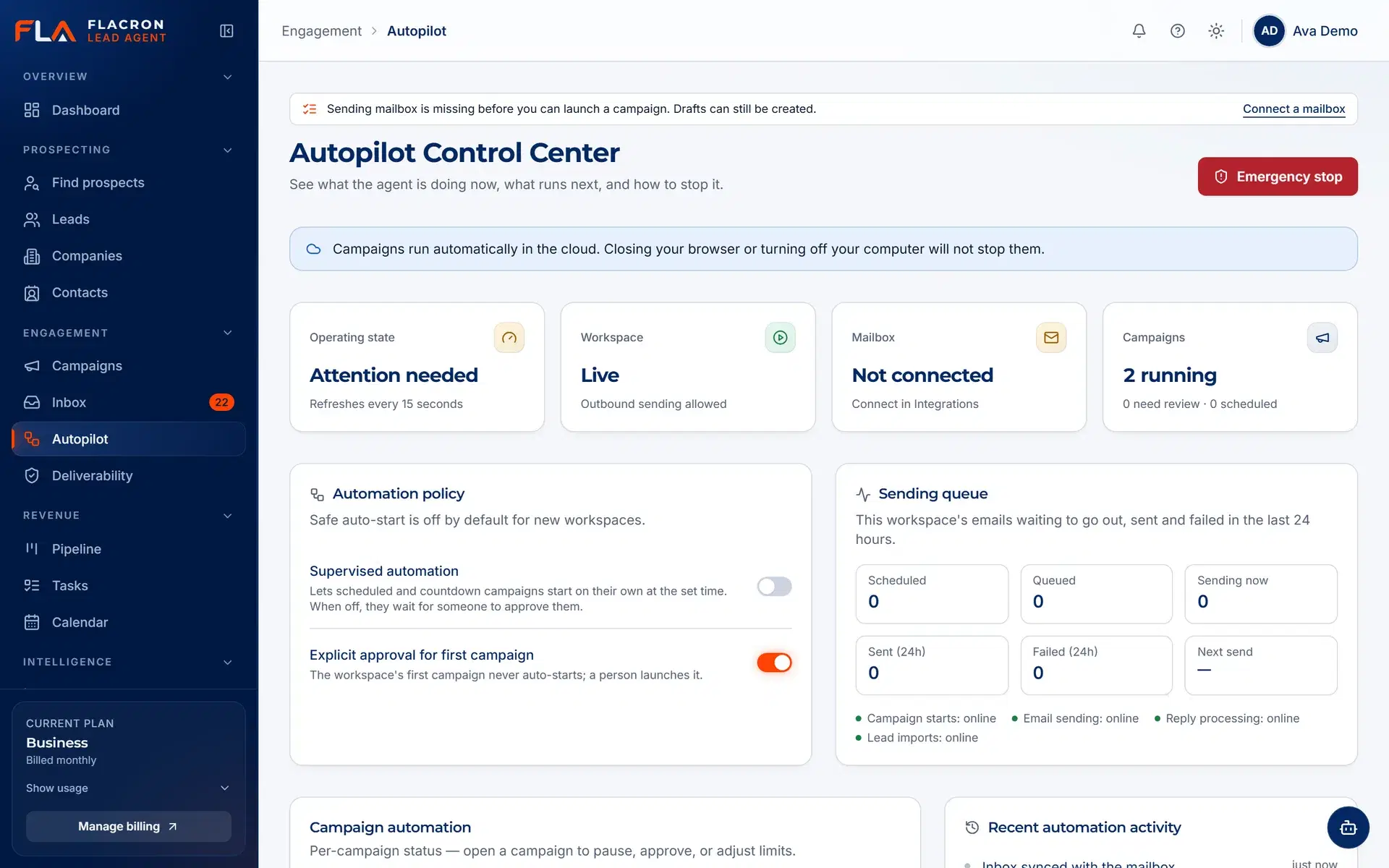
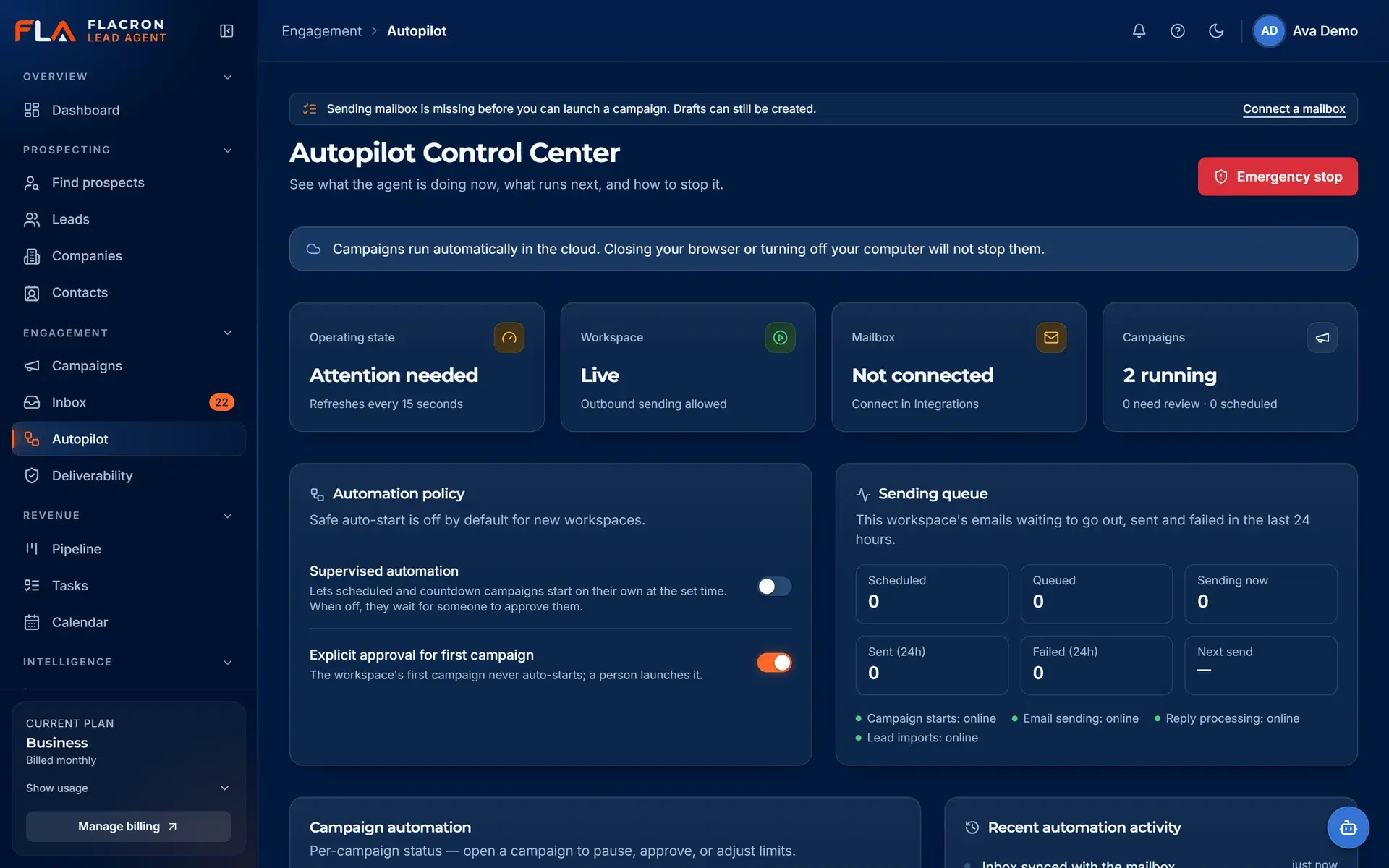
Background work keeps running — and stops the moment you say so
Sending, inbox sync, verification and reply classification run as cloud workers, so outreach does not depend on an open browser tab. An emergency stop pauses all outbound activity for the workspace.
- Queued, retried background jobs instead of browser-bound scripts.
- One-click emergency stop for the whole workspace.
- Suppression and unsubscribe checks run before every send.
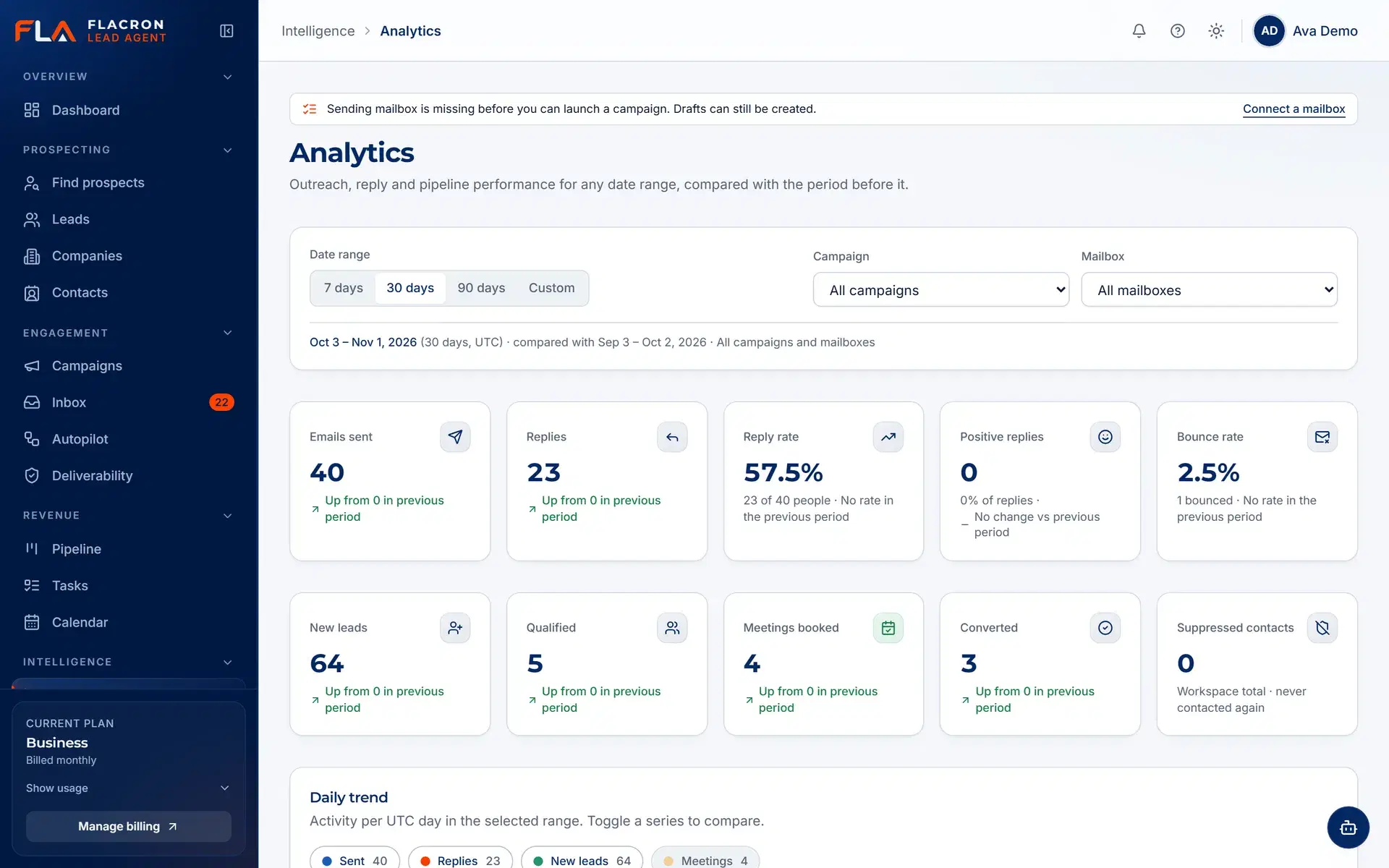
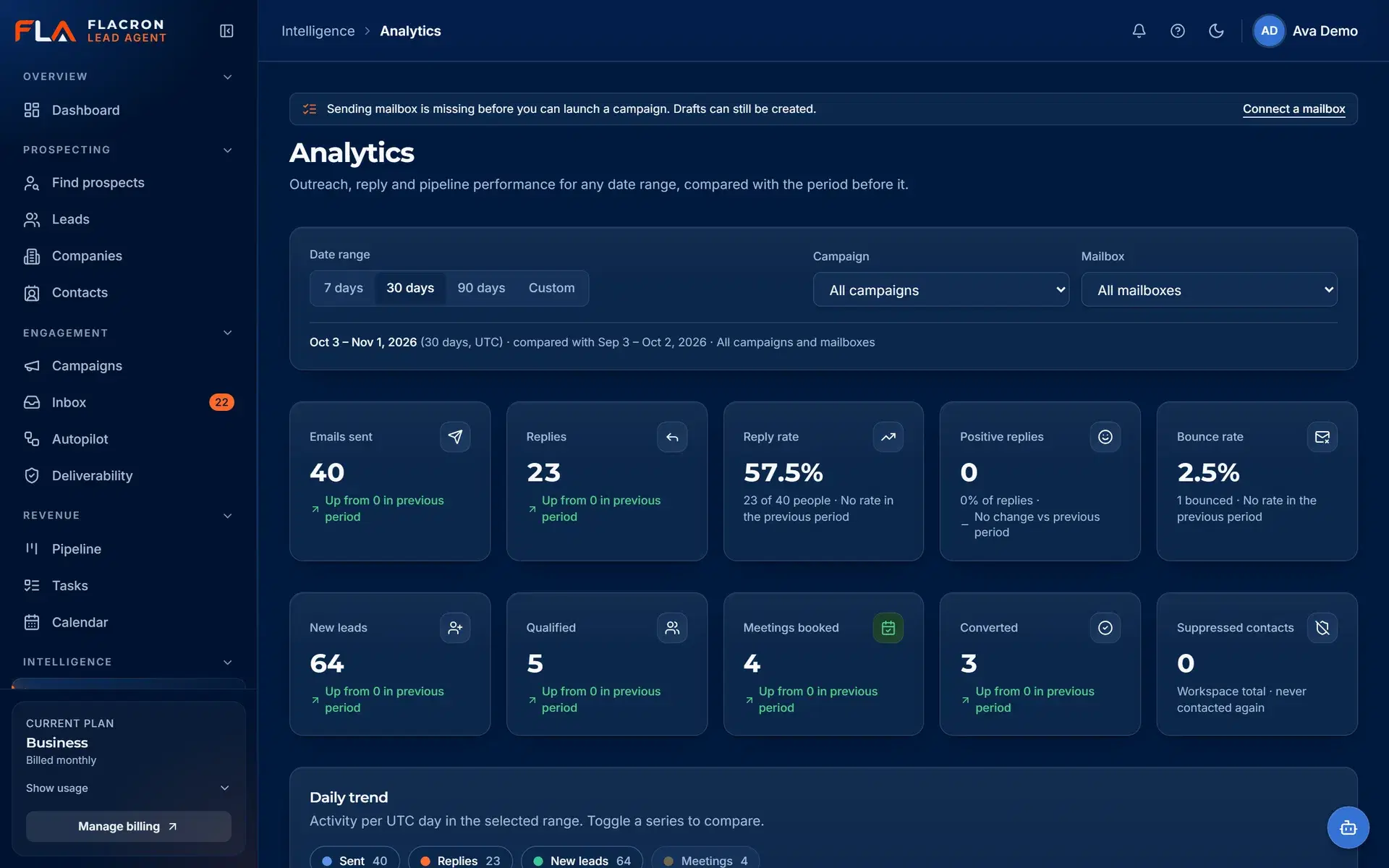
Honest analytics
Reporting built on what actually happened
Analytics count recorded events — sends, deliveries, replies, bounces and unsubscribes — per campaign and mailbox. We do not invent benchmarks or projected revenue.
- Campaign and mailbox level activity from recorded events.
- Deliverability signals such as bounces and unsubscribes.
- Clear empty states when there is not enough data yet.
Integrations
Connect the mailboxes and data sources you already use
Availability is labelled honestly: what works today, what is in beta, and what is still planned.
- Available
Gmail
Mailboxes
- Available (beta)
Microsoft 365 / Outlook
Mailboxes
- Available
SMTP / IMAP mailbox
Mailboxes
- Available
CSV import
Lead data
- Available
Hunter.io
Lead data
- In setup
Stripe
Billing
- Planned
Google Calendar
Calendar
- Planned
Microsoft Calendar
Calendar
- Planned
HubSpot
CRM
- Planned
Salesforce
CRM
- Planned
Pipedrive
CRM
- Planned
Meta Ads
Advertising
- Planned
Google Ads
Advertising
- Planned
SMS, WhatsApp and voice
Channels
Pricing
Plans that scale with your team and sending volume
Every plan includes approval-before-send, suppression enforcement and the emergency stop.
Loading pricing…
FAQ
Questions teams ask before they start
Security, data sources, integrations and billing.
How is my workspace data separated from other customers?
Can Super Intelligence send emails on its own?
Which mailboxes can I connect?
Where do leads come from?
What happens to contacts that are not verified?
What happens when someone unsubscribes?
Can I pay online today?
Put one accountable workflow behind your pipeline.
Create a workspace, connect a mailbox and import or discover your first list. Nothing is sent until you approve it.