

Features
One workspace for prospecting, outreach, replies and pipeline
Flacron Lead Agent combines verified lead sourcing, Super Intelligence-assisted outreach that people approve, a unified inbox and a pipeline — with guardrails built in rather than bolted on.
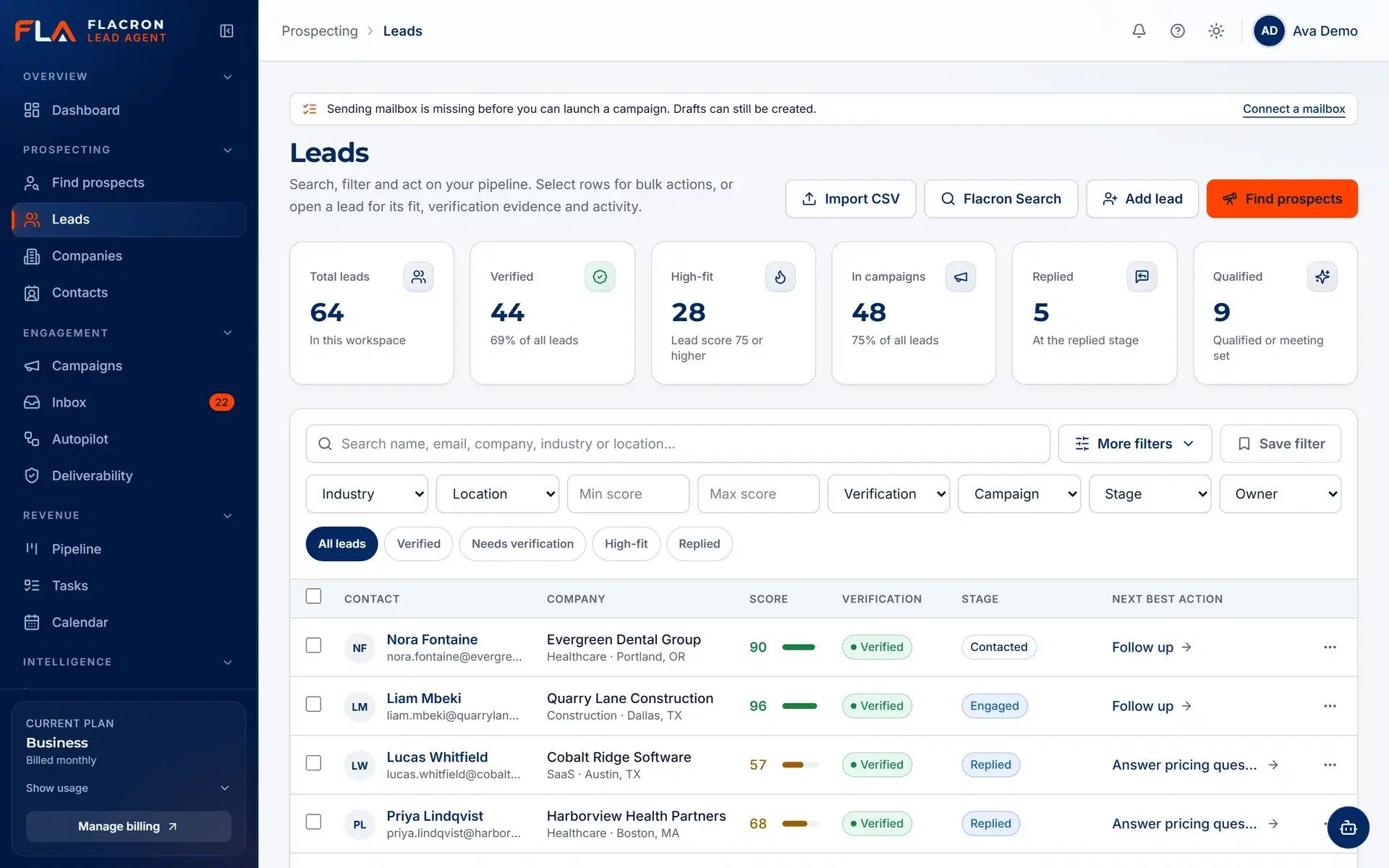
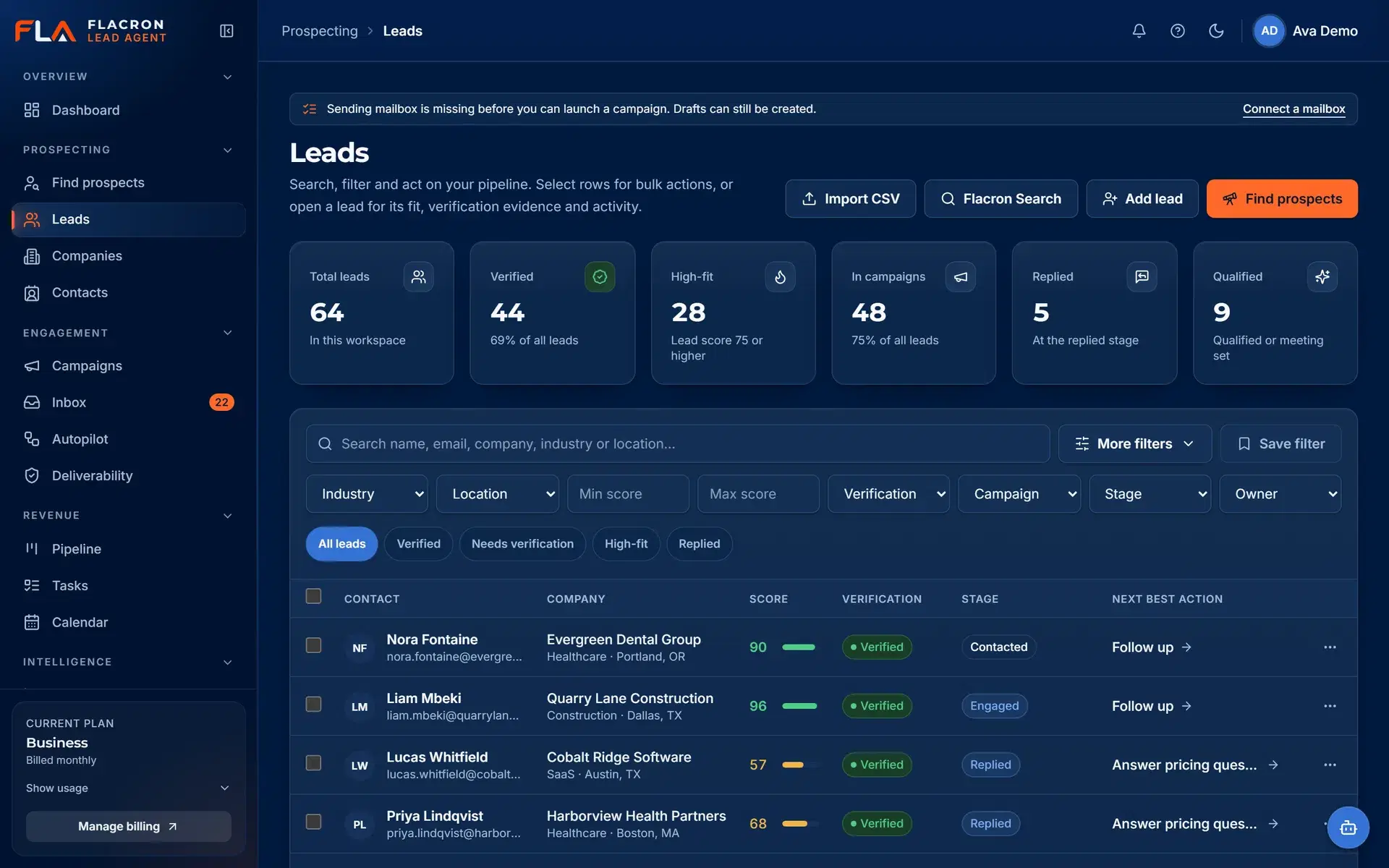
Verified lead sourcing
Know where every contact came from — and whether it is safe to email
Import your own lists or discover contacts by company domain through Hunter.io. Every record keeps its source, and verification status decides whether it can be sent to.
- Source provenance on every contact: CSV import or Hunter.io discovery.
- Verification status (verified, risky, catch-all, invalid) visible in the list.
- Unverified, invalid and suppressed contacts are held back from sending by default.
ICP and campaign builder
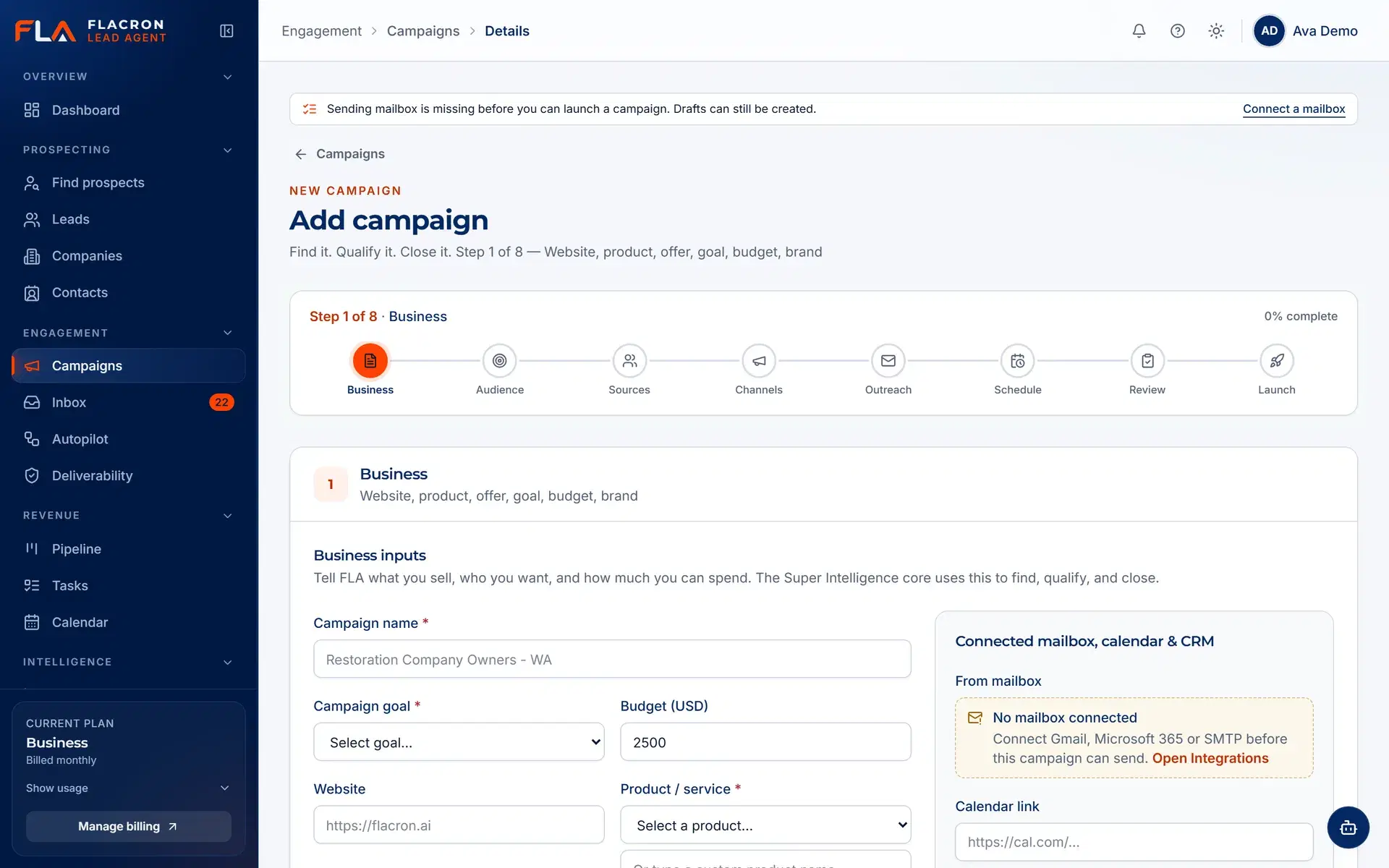
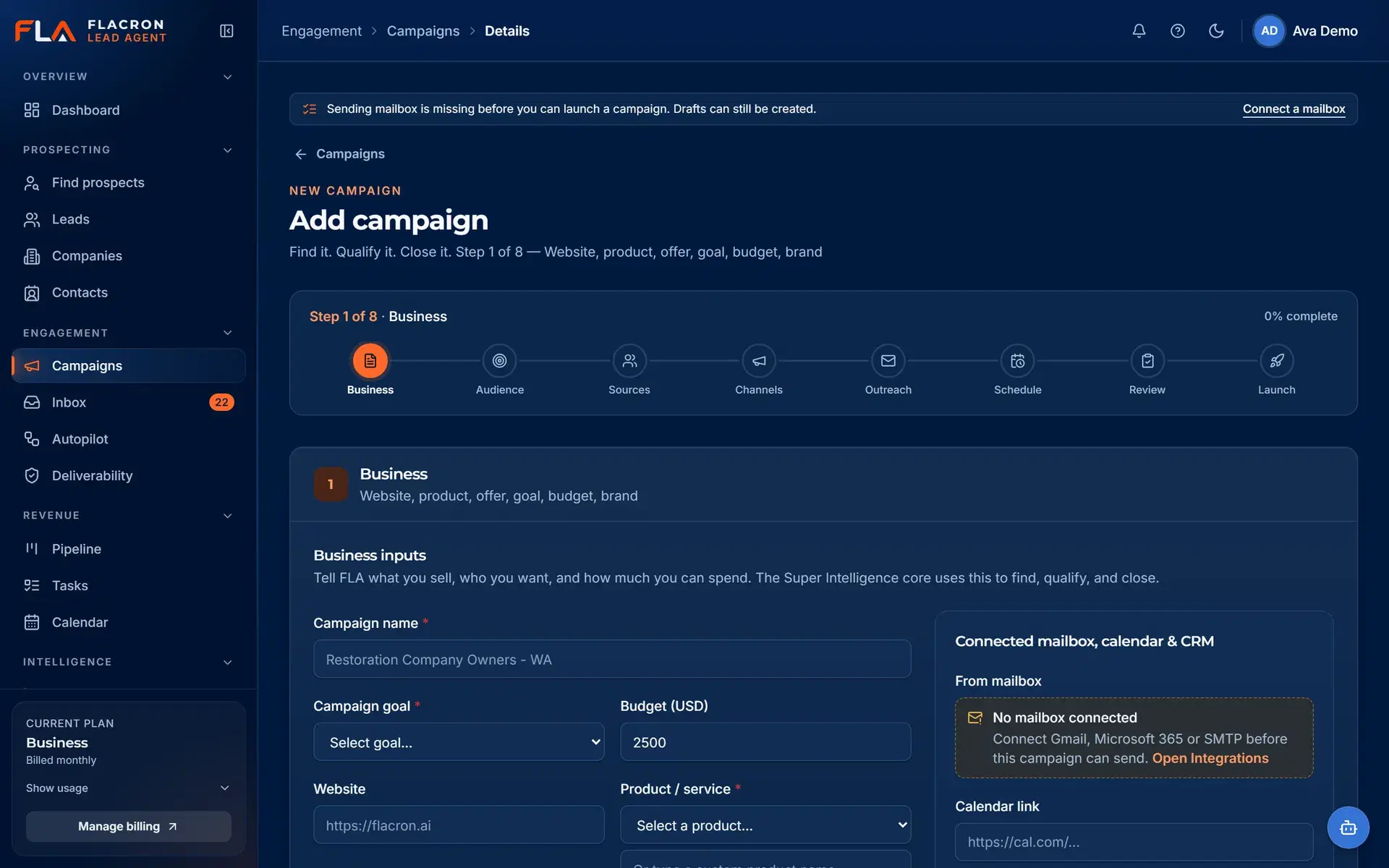
Build campaigns from your ideal customer profile, with approval before send
Describe the audience, offer and tone once. Super Intelligence drafts personalized messages for each contact, and every draft waits in an approval queue until a person signs off.
- Reusable ideal customer profiles for industries, roles, size and region.
- Super Intelligence drafts are editable suggestions — approve, edit or reject each one.
- Nothing is sent from an unapproved draft.
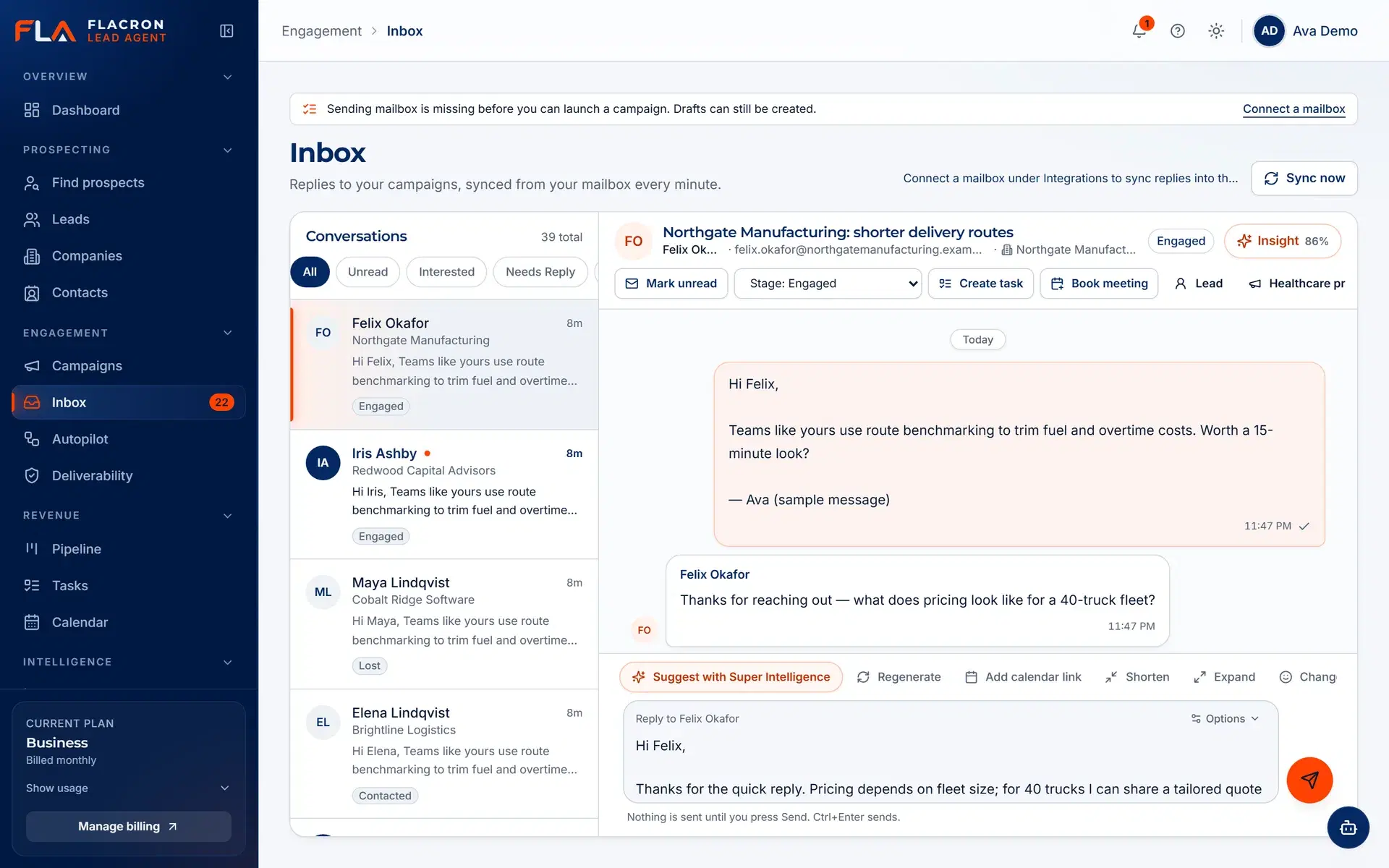
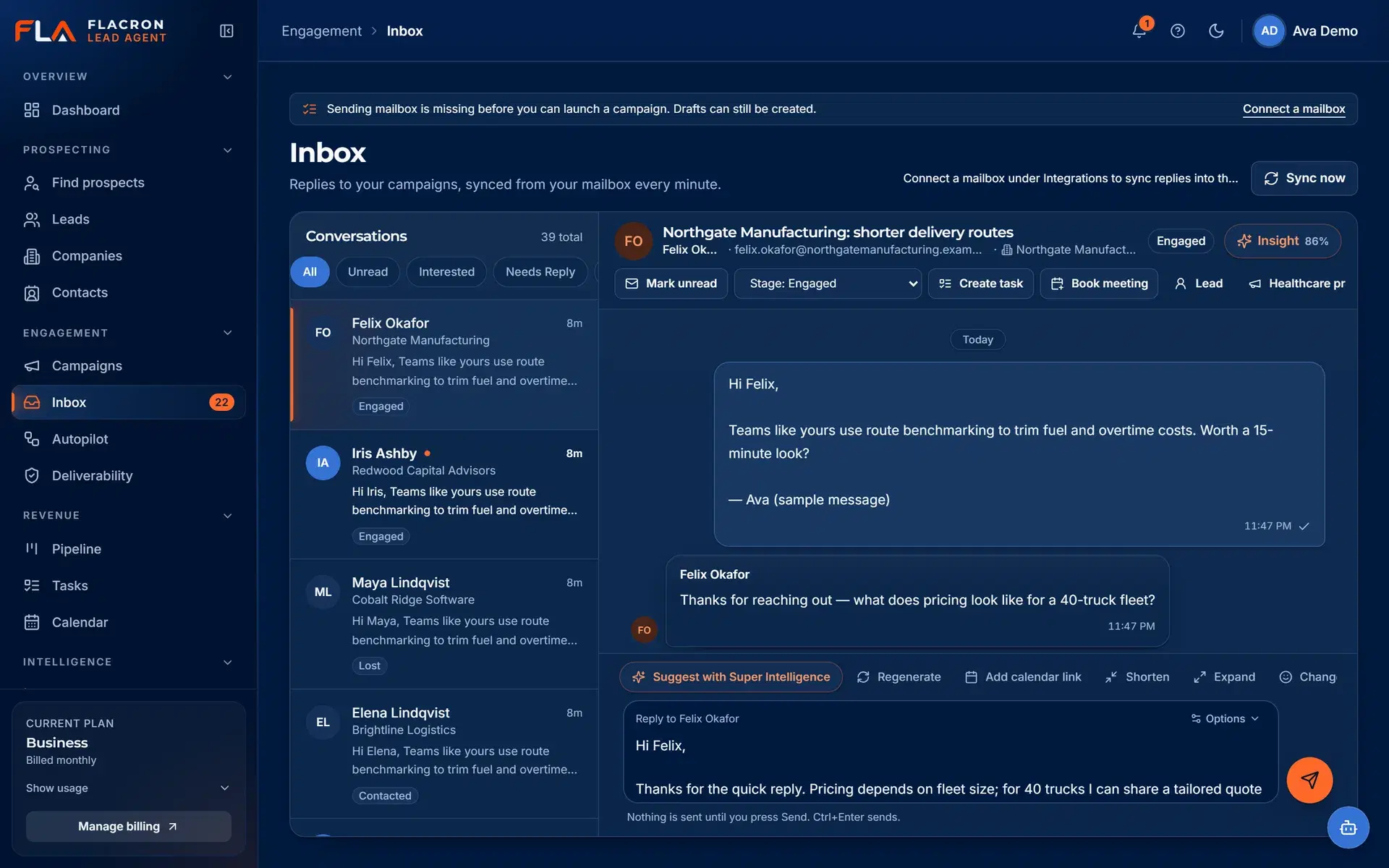
Sequencing and unified inbox
Multi-step sequences, with every reply in one inbox
Approved sequences send from your own connected mailboxes within the limits you set. Replies from Gmail, Microsoft 365 and SMTP/IMAP mailboxes arrive in one inbox with a suggested intent.
- Sequences stop for a contact when they reply or unsubscribe.
- Daily sending limits and sending windows per mailbox.
- Suggested intent and suggested replies stay drafts until a person acts.
Pipeline
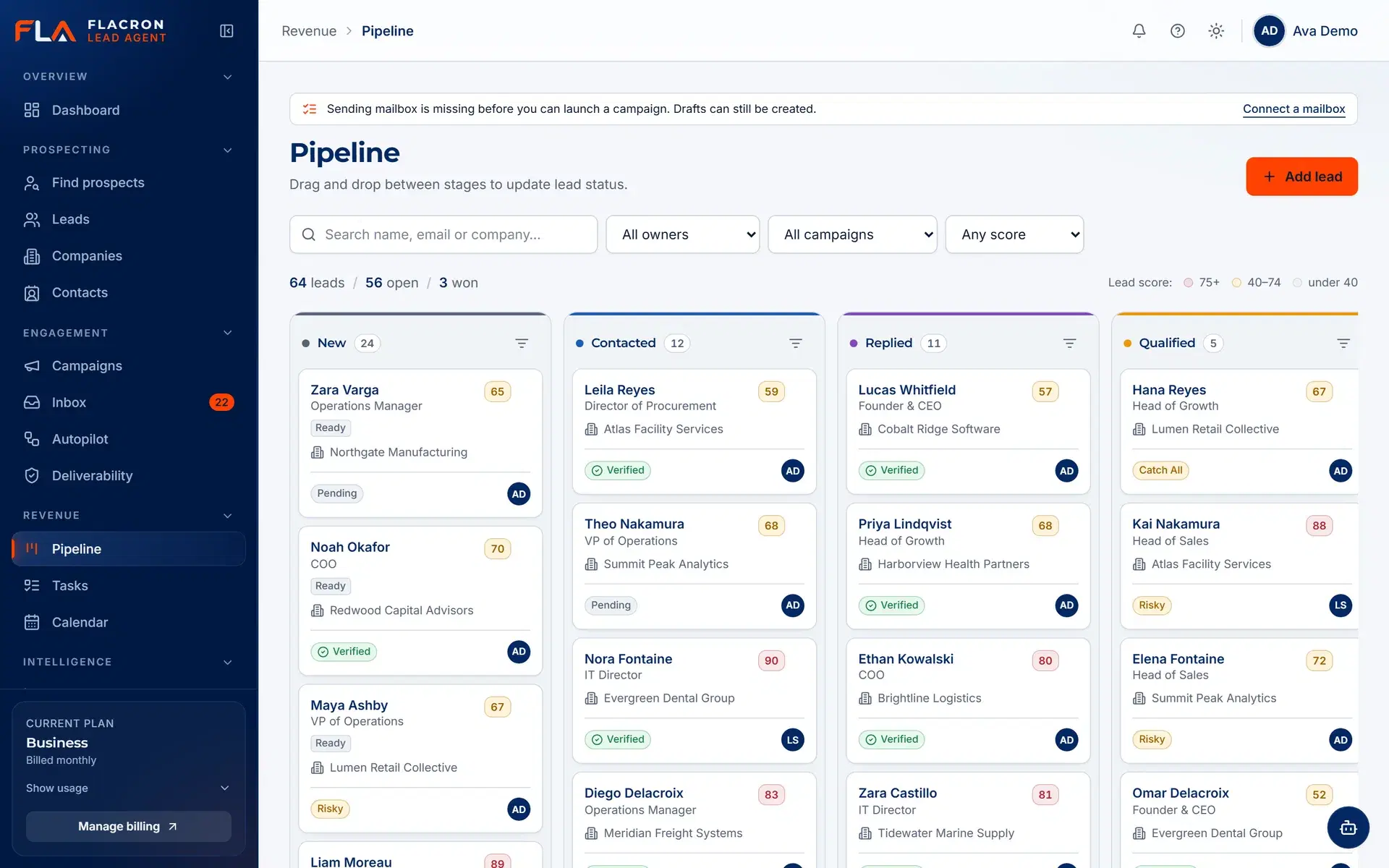
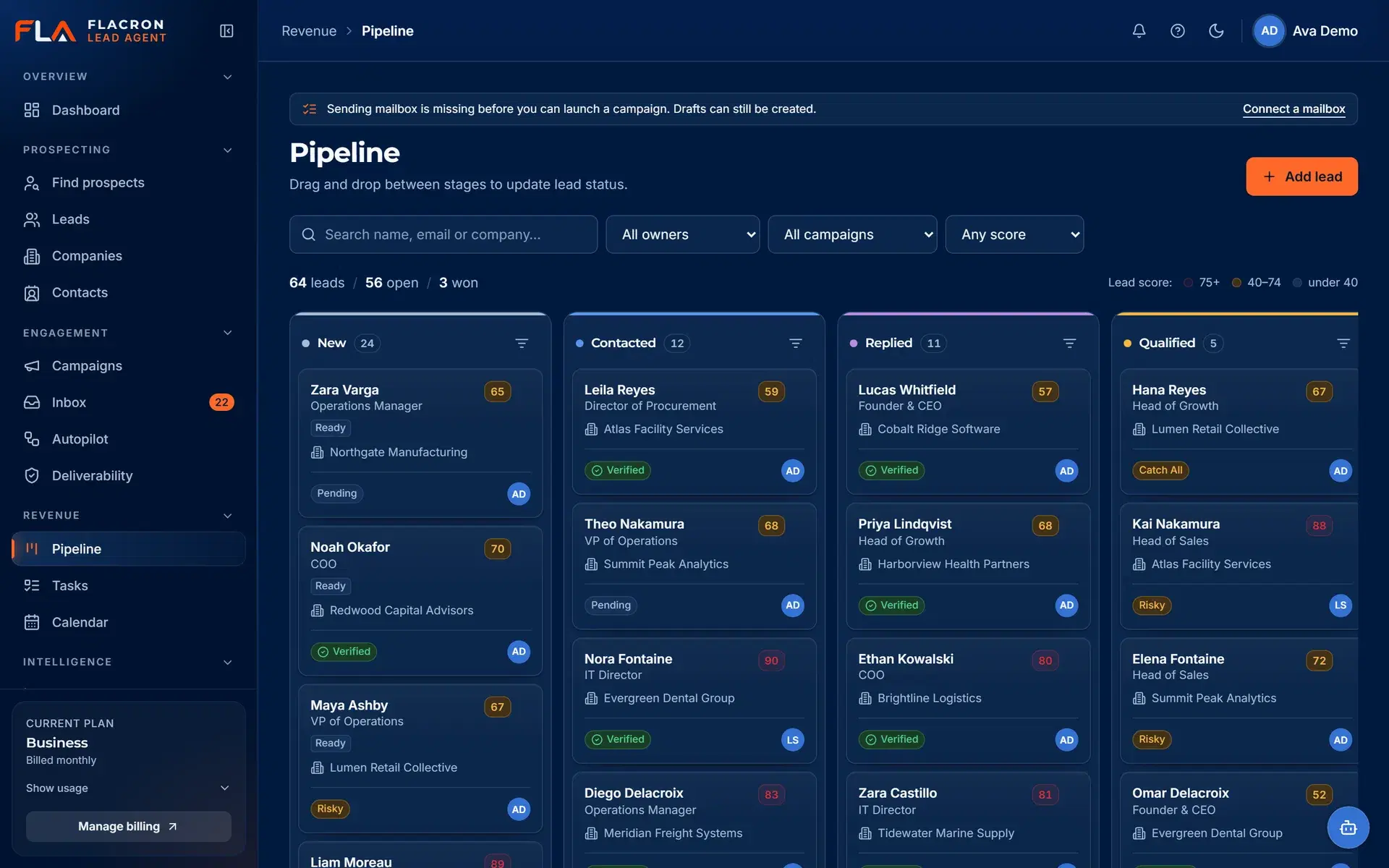
Turn qualified conversations into a pipeline you can trust
Move interested contacts into deals with stages that match your sales process, and keep the originating campaign and source attached to each one.
- Drag-and-drop deals between stages.
- Tasks and follow-ups linked to the conversation.
- CRM sync with HubSpot, Salesforce and Pipedrive is planned.
Always-on cloud workers
Background work keeps running — and stops the moment you say so
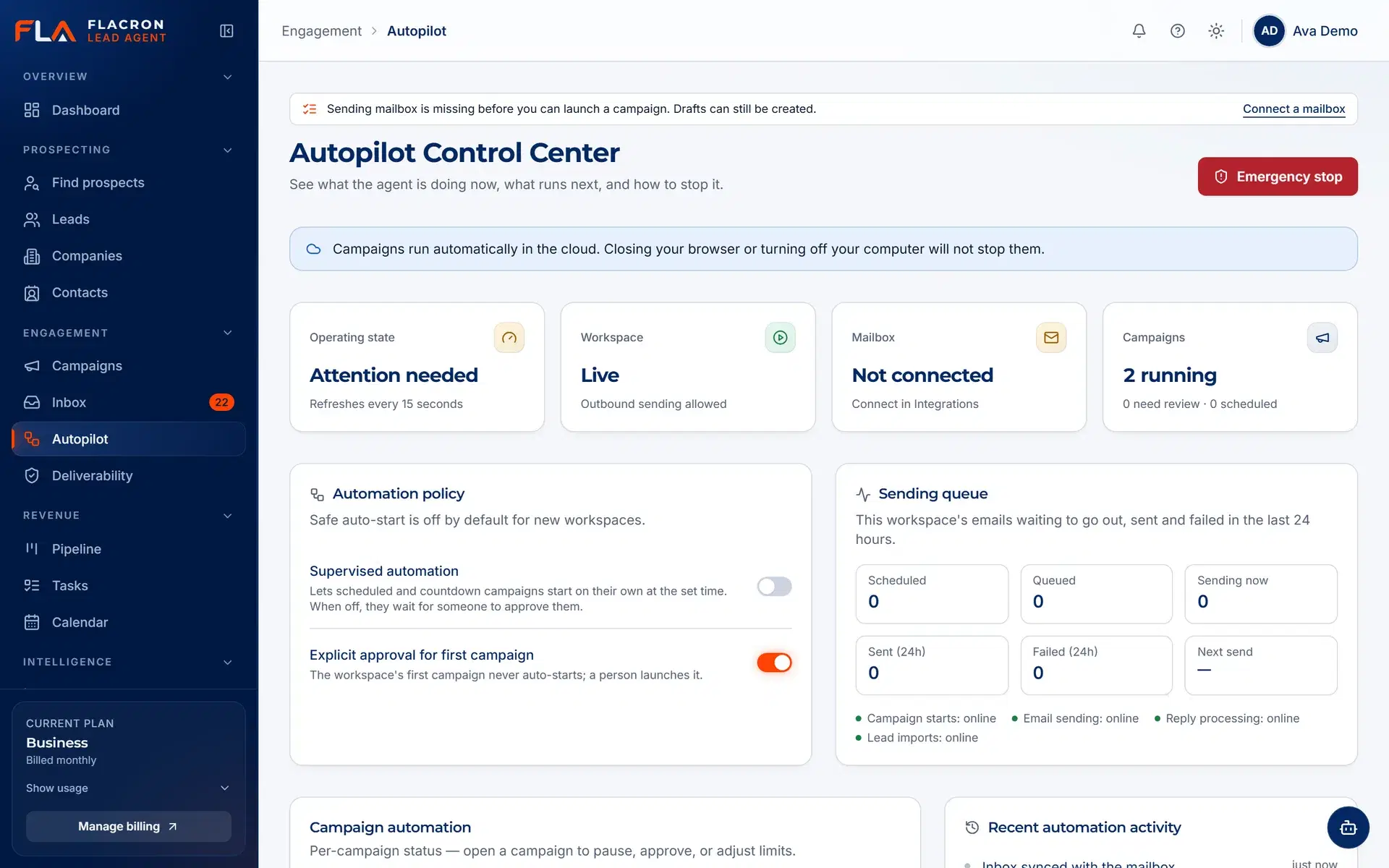
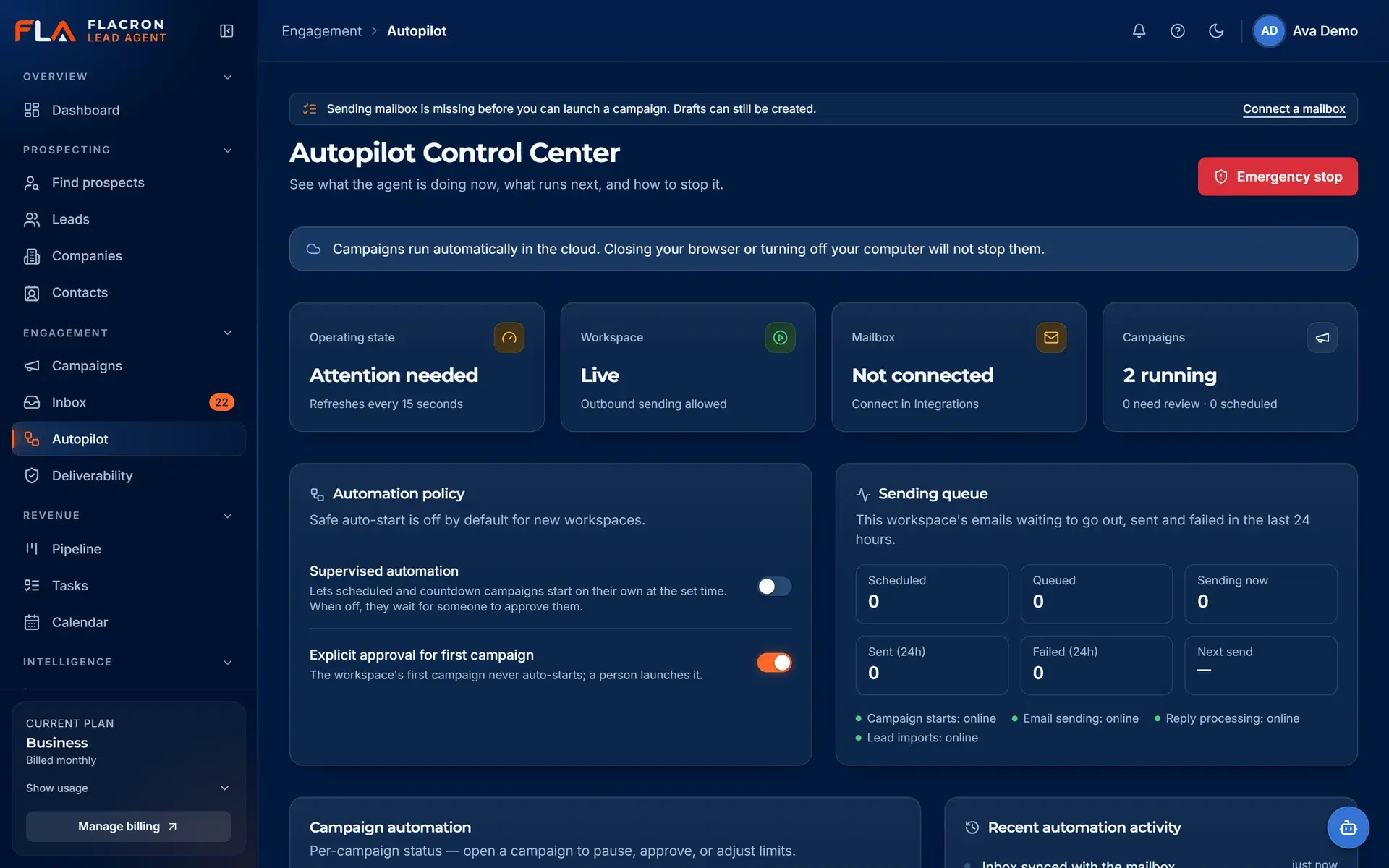
Sending, inbox sync, verification and reply classification run as cloud workers, so outreach does not depend on an open browser tab. An emergency stop pauses all outbound activity for the workspace.
- Queued, retried background jobs instead of browser-bound scripts.
- One-click emergency stop for the whole workspace.
- Suppression and unsubscribe checks run before every send.
Honest analytics
Reporting built on what actually happened
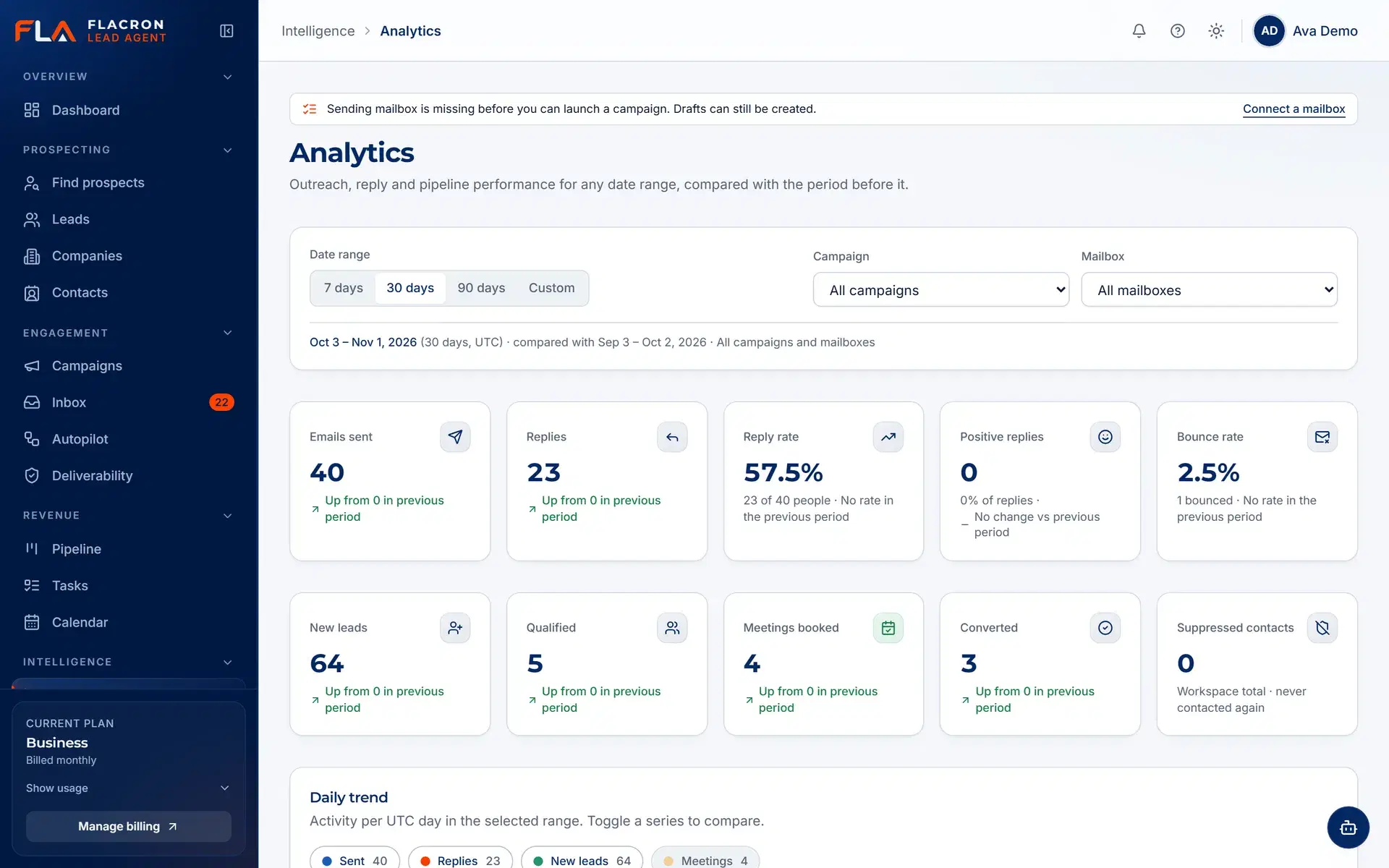
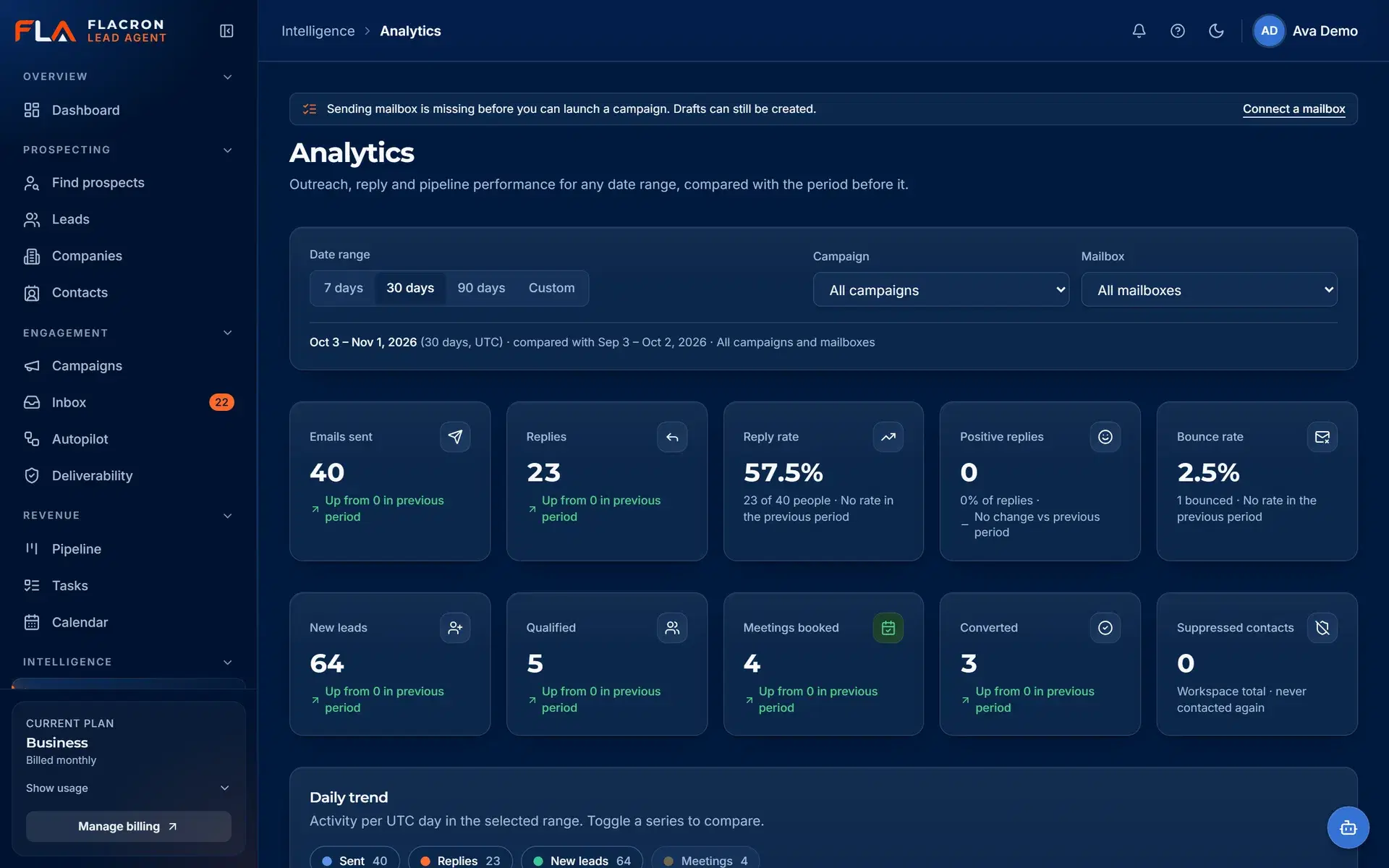
Analytics count recorded events — sends, deliveries, replies, bounces and unsubscribes — per campaign and mailbox. We do not invent benchmarks or projected revenue.
- Campaign and mailbox level activity from recorded events.
- Deliverability signals such as bounces and unsubscribes.
- Clear empty states when there is not enough data yet.
Also included
The supporting pieces teams rely on every day
Team roles
Owner, admin, manager and sales rep roles control who can configure, approve and send.
Audit log
Changes to leads, campaigns, users, conversations and the emergency stop are recorded for review.
Deliverability view
Bounces, unsubscribes and mailbox sending health in one place.
Tasks
Follow-ups and next steps attached to contacts, conversations and deals.
Super Intelligence copilot
Describe an outcome in plain language; Copilot drafts a plan and asks for approval before anything launches.
Alerts and notifications
In-app alerts for events that need attention, such as new replies and sending problems.
Put one accountable workflow behind your pipeline.
Create a workspace, connect a mailbox and import or discover your first list. Nothing is sent until you approve it.